Public match data in 10 seconds
- 1checkbox decides it: Expose Public Match Data.
- 3sites need it: Dotabuff, OpenDota, Stratz.
- ~500old matches the sites can recover.
- 0effect of Steam profile privacy on it.
Tick the box. Play one game. Done.
The Public Match Data Checker Tool tells you if your Dota 2 match data is public for Dotabuff, OpenDota and Stratz, and how to turn on Expose Public Match Data.
Where to find it: Dota 2 shows your Friend ID on your profile. Or copy the link of your Steam profile.
The check asks Valve (and OpenDota as a backup). Custom Steam URLs are looked up on Steam. Nothing is stored.

This tool is created with love for Dota 2 and for helping you to play better every day and rank up! Have Fun and Enjoy!
By Kevin “Kevin10k”·Dota 2 Expert · Mid & Offlane PlayerArticle updated
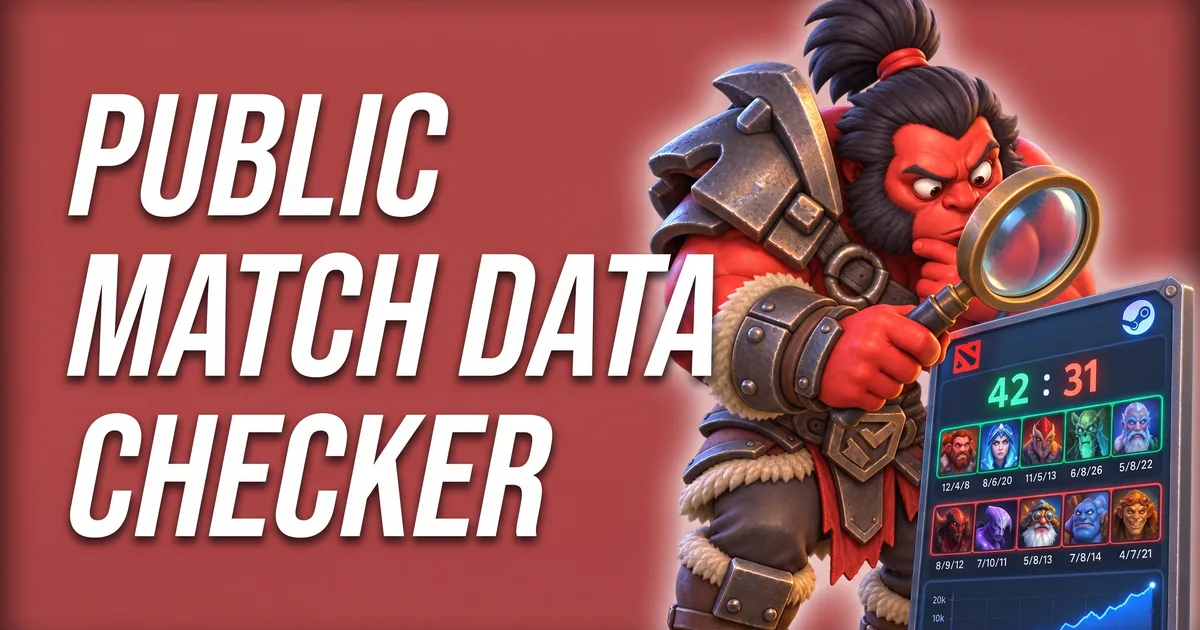
The Public Match Data Checker Tool tells you in one click if your Dota 2 match data is public. If it is, Dotabuff, OpenDota and Stratz show your games. If not, you are “Anonymous” everywhere and the tool shows you how to fix it. Axe hid his matches once. Nobody saw his 0/11 game. Then nobody saw his 20/0 game either.
Axe explains
Public match data in 10 seconds
Tick the box. Play one game. Done.
The setting’s own tooltip says it best: “Allow third-party services to access your match data.” Third-party services are Dotabuff, OpenDota, Stratz and every other stats site. They all get their data from Valve, and Valve only hands out your matches if this box is ticked.
The setting is saved on Valve’s servers, not on your PC. Change it once and it counts on every computer you play on.
Match data public now? The Hours Played Calculator adds up the time you spent in those matches.
Somebody in your match is Anonymous? The Match ID Lookup shows every match, hidden players included.
Older guides send you to “Options → Advanced Options”. That was the old settings menu. Also do not mix it up with Hide Dota and Steam Profile or Anonymous Mode in the same block: those do something else and do not control what stats sites see.

Axe ticked the box and checked Dotabuff right away. Nothing. Axe forgot to play a match. Play a match.
Need your Friend ID for the tool? The Steam ID to Dota ID Converter finds it from any Steam link.
Partly. Every new match shows up once you play it. Games you played while the box was off stay Anonymous until a site re-reads your history:
Anything older than that stays Anonymous. So tick the box early. Axe learned that the hard way. Axe has 3,000 anonymous games. Probably all wins.
Two different switches. Steam profile privacy (public, friends only, private) decides who sees your Steam profile. Expose Public Match Data decides what stats sites see of your Dota games. A public Steam profile can still have hidden match data, and the other way round. Your name and avatar stay visible on the sites either way.
 Free guide · Dota2FreaksRank Up Guide: find the one thing holding you backYour matches are public, the stats are there. Five quick questions tell you which habit to fix first.
 Free tool · Dota2FreaksMMR Calculator: how far is your rank goal?Stats are back. Set a rank goal and see how many wins it takes to get there.
Click the gear icon in Dota 2, open Social in the left menu and tick “Expose Public Match Data” under Options. Then play one match so the stats sites pick it up.
Most of the time “Expose Public Match Data” is off. Turn it on, play one match, then press “Update Match History” on Dotabuff. It can take up to an hour.
Partly. New matches show up once you play them. For older games, the Refresh button on OpenDota and “Update Match History” on Dotabuff recover about your last 500 matches.
No. Steam profile privacy and the Dota 2 setting are separate. What Dotabuff, OpenDota and Stratz can see depends on “Expose Public Match Data” only.
Untick “Expose Public Match Data” under Settings → Social → Options. Your future matches then show you as Anonymous on stats sites.
Data: Valve's official Dota 2 datafeed · updated
Axe wants cookies.