Axe's Workshop · Setup
Dota 2 on Mac and Linux: Does It Run and How Well?

By Kevin “Kevin10k”·Dota 2 Expert · Mid & Offlane PlayerArticle updated
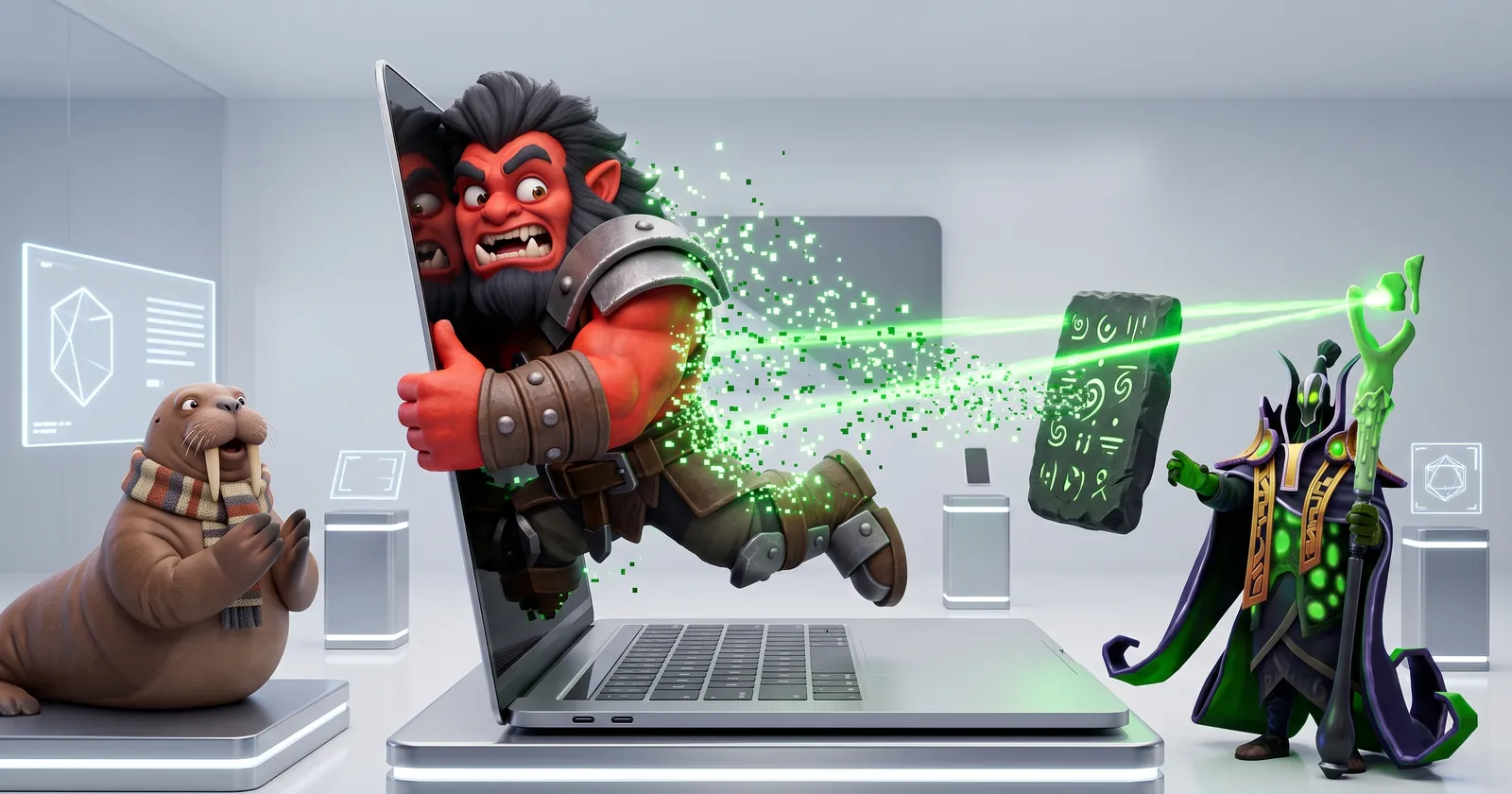
Dota 2 runs on Mac and Linux, natively, since 2013. On Linux it is a first-class citizen: Vulkan, Steam’s own runtime, even the Steam Deck. On Mac it works too, with two catches: newer Macs run it through Rosetta 2, and Steam itself keeps dropping old macOS versions. Here is what you need, what is different from Windows and how to fix the usual problems. Axe tried Dota on a Mac. The Mac was very thin. Axe was not.
Dota 2 on Windows vs Mac vs Linux
| Windows | Mac | Linux | |
|---|---|---|---|
| Native version | Yes | Yes | Yes |
| Rendering | YesDirectX 11 or Vulkan | NoteVulkan via MoltenVK on Metal | YesVulkan |
| Apple Silicon native | Not applicable | NoRuns via Rosetta 2 | Not applicable |
| AMD Anti-Lag 2 | YesWith DirectX 11 | No | No |
| Workshop Tools | Yes | No | No |
| Steam Deck | Not applicable | Not applicable | YesRated Playable |
Matchmaking, heroes, items and ranked are the same everywhere. You play with and against everybody, no matter the system.
Dota 2 on Mac: requirements and the real minimum
The Steam store lists for macOS:
- macOS 10.15 or newer, dual core Intel CPU, 4 GB RAM, 60 GB free space
- Metal-capable GPU: AMD GCN or newer, NVIDIA Kepler or newer, Intel HD 4000 or newer
Under the hood, Dota on Mac runs Vulkan translated to Apple’s Metal by a layer called MoltenVK. When Valve switched the Mac version to Vulkan in 2018, it said Dota now ran faster than with the old OpenGL renderer. OpenGL is gone completely since the Dead Reckoning update in 2023.
Dota 2 on Apple Silicon: Rosetta 2
There is no native Apple Silicon version of Dota 2. Steam lists only an Intel build, so M-series Macs run it through Rosetta 2, Apple’s translator for Intel apps. macOS usually asks to install Rosetta the first time. If it does not, open Terminal:
softwareupdate --install-rosettaOther Mac problems players report on Valve’s tracker: crashes right after macOS updates, stutter, and on Apple Silicon mouse clicks that do not register while the cursor moves. Steam also does not run on case-sensitive macOS drives.
Dota 2 on Linux
Linux is where Dota feels at home outside Windows. It runs natively on Vulkan inside Steam’s own Linux runtime, so it does not care much which distribution you use. You need:
- a 64-bit CPU and distribution,
- a GPU with Vulkan drivers: AMD GCN+, NVIDIA Kepler+ or Intel HD 5000 or newer,
- current drivers: Mesa for AMD and Intel, or NVIDIA’s driver.
Useful Linux launch options, according to Liquipedia:
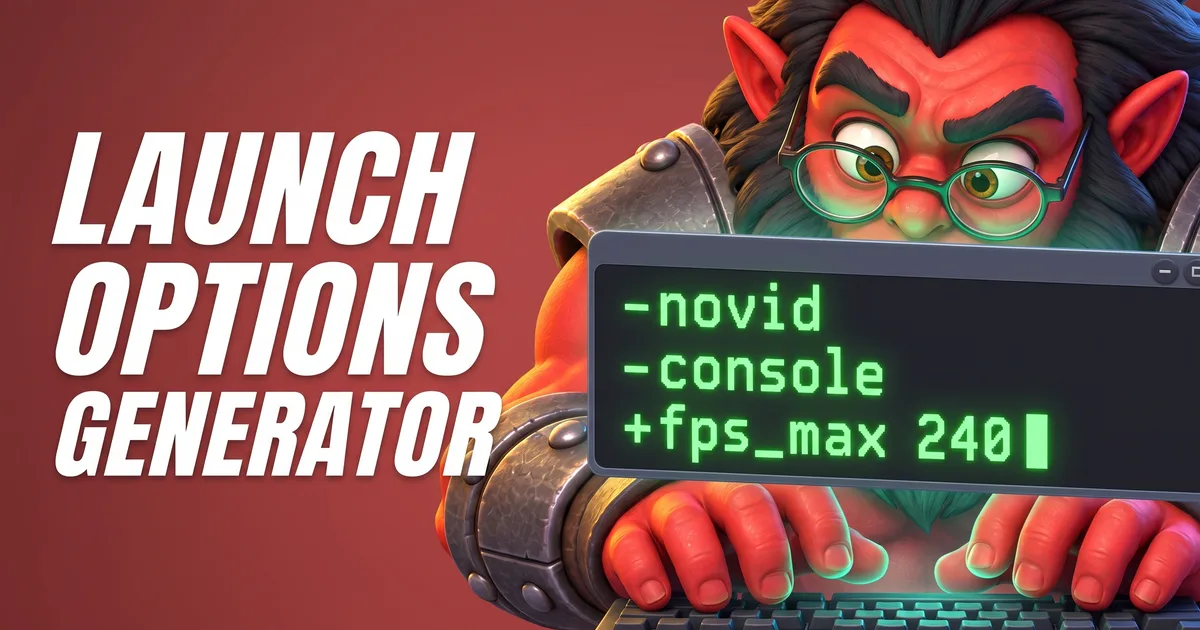
-sdl_displayindex 1-nomousegrab-vulkan_disable_steam_shader_cacheOn Wayland desktops Dota runs through XWayland, native Wayland is not officially supported. Players report freezes on some Wayland and multi-monitor setups; if you hit odd input or freeze problems, try an X11 session to compare. More launch options in the Launch Options Generator Tool.
The Steam Deck is a Linux PC too, and Dota runs natively there. Everything about it in our post on Dota 2 on Steam Deck.

Axe installed Linux. Then he asked the penguin for help. The penguin said: read the logs. Axe hit the logs.
Where to report Mac and Linux bugs
Valve keeps a public issue tracker on GitHub just for this: ValveSoftware/Dota-2, the “tracker for issues specific to Linux and Mac”. New issues get checked by a Valve developer. Problems that only happen with Vulkan go to the Dota-2-Vulkan tracker, and Steam client bugs to Steam Support. Search first: many problems already have an issue with fixes from other players.
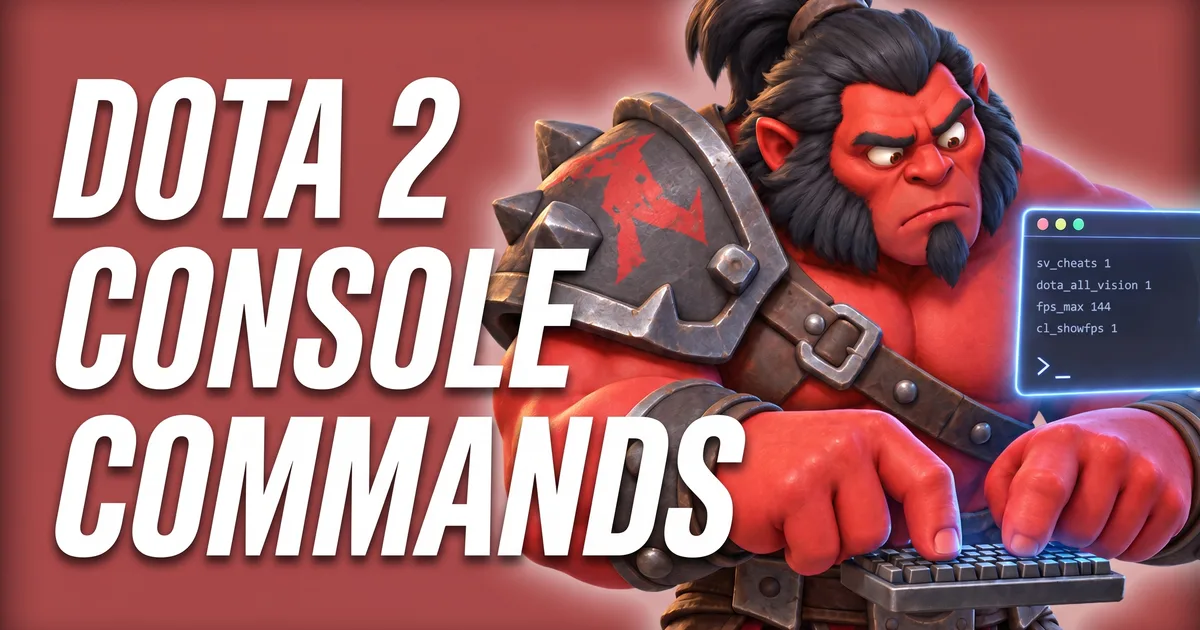
Handy for bug reports: sys_info prints your CPU and GPU into the console. It is in the Console Commands Lookup Tool.
Tools for this
FAQ
Does Dota 2 run on Mac?
Yes. Dota 2 has a native macOS version since 2013. It needs a Metal-capable GPU, and since Steam itself now needs macOS 12 or newer, that is the real minimum. On Apple Silicon Macs it runs through Rosetta 2.
Does Dota 2 run natively on Apple Silicon (M1, M2, M3, M4)?
No. Steam lists only an Intel (macos64) build for Dota 2, so on Apple Silicon it runs through Apple’s Rosetta 2 translation. If the game will not start, install Rosetta with the Terminal command softwareupdate --install-rosetta.
Does Dota 2 run on Linux?
Yes, natively. Dota 2 has a Linux version since 2013 and runs on Vulkan inside the Steam Linux Runtime. You need a 64-bit system and a GPU with Vulkan drivers: AMD GCN+, NVIDIA Kepler+ or Intel HD 5000 or newer.
Why does Dota 2 say "OS Error 0" on Mac?
“Failed to start process for this game: OS Error 0” after a macOS update was fixed for players by reinstalling Rosetta 2 with softwareupdate --install-rosetta, even when Rosetta seemed installed. A Valve moderator suggested checking Rosetta first.