Axe's Workshop · Fix it
Dota 2 Black Screen: Fixes for Launch and After Accepting a Match

By Kevin “Kevin10k”·Dota 2 Expert · Mid & Offlane PlayerArticle updated
A black screen in Dota 2 almost always means the game runs, but your monitor cannot show what it sends. Wrong resolution, a display mode your screen does not like, an old graphics driver, or a game bug. Find your symptom below and only do what fits. Axe once stared at a black screen for ten minutes. The monitor was off.
Emergency keys for a black screen
Before you restart anything, try these Windows shortcuts:
Dota 2 black screen: fixes by symptom
- Start in a windowAdd
-swto the launch options (Steam → right-click Dota 2 → Properties → Launch Options). Windowed mode works on almost any screen. - Force your monitor’s resolutionAdd
-w 1920 -h 1080(use your screen’s resolution). Steam Support says these errors usually come from settings your machine does not support: go back to a resolution that worked. - Start in safe modeThe game’s own tip:
-safe_modestarts Dota with the default rendering API. Remove it once the game shows up again. - Update the driver cleanlyNVIDIA: Custom (Advanced) → “Perform a clean installation”. AMD: “Factory Reset” in the installer (you cannot roll back afterwards).
- Verify the game filesSteam Library → right-click Dota 2 → Properties → Installed Files → Verify integrity of game files.
- Try the other rendering APISwitch with
-dx11or-vulkan. Players report that Vulkan fixed a black screen after accepting for them. - Turn off overlaysSteam Overlay, FPS counters and recording tools draw over the game. Turn them off one by one.
- Restart the PCStuck on black at reconnect? One player fixed it with a simple restart. Quick to try before anything else.
- Your screen gets a signal it cannot showThe game runs. Start with
-swand your monitor’s resolution, then pick the right display mode and resolution in the game. - Wrong monitorPress Win+P or move the window with Win+Shift+→. The game may be running on a screen that is off.
- Reset the video settingsStart once with
-autoconfig, then remove it again.
- Use Borderless WindowPlayers report fewer problems with alt-tab in Borderless Window than in Exclusive Fullscreen. Change it under Display Mode, or start with
-noborder. - Know your fullscreen modeThe game says “Desktop-friendly fullscreen minimizes on focus loss”. Minimized is not frozen: click Dota in the taskbar.
- Stop alt-tabbing in queueThe game has settings to “Bring Dota to the foreground on match found” and for the pick phase. Turn them on and the game comes to you.
Reset Dota 2 video settings completely
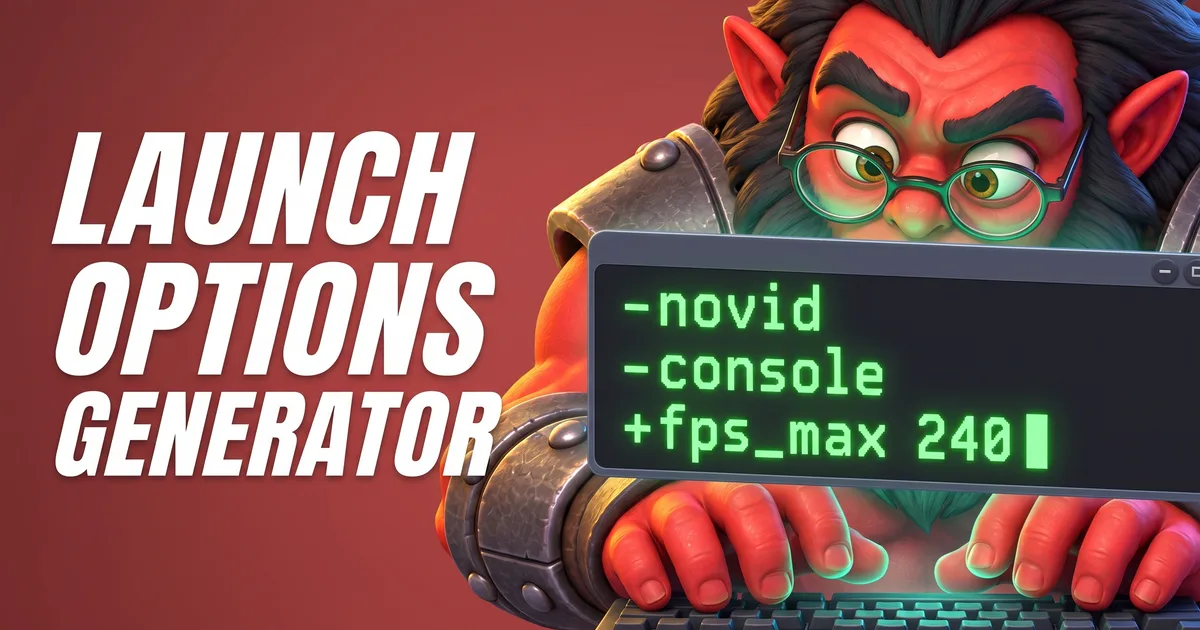
-autoconfig restores the video and performance settings to the defaults for your hardware, and it keeps doing that until you remove it. Use it for one start. The Launch Options Generator Tool builds the line and reminds you which options to take out again.
The video settings themselves live in a file called video.txt. According to player reports it moved into your Steam user folder in 2024:
Steamuserdata<your Steam ID>570localcfgvideo.txt
Steam\userdata\<your Steam ID>\570\local\cfg\video.txt570 is Dota 2’s app ID. Rename the file instead of deleting it, so you can go back.

Night Stalker loves black screens. For him it is just night. Axe is not Night Stalker.
Tools for this
FAQ
Why is Dota 2 a black screen but I can hear sound?
The game runs, but your monitor does not show its picture. Usually the resolution, refresh rate or display mode does not fit your screen, or the graphics driver is outdated. Start in windowed mode with -sw and your monitor’s resolution, then change the settings in the game.
How do I fix the Dota 2 black screen after accepting a match?
Verify the game files, update your graphics driver, try the other rendering API (-dx11 or -vulkan) and turn off overlays. Some players report that switching to Vulkan helped them.
How do I start Dota 2 in windowed mode?
Add -sw to the launch options in Steam (right-click Dota 2 → Properties → Launch Options). -noborder starts a borderless window, -fullscreen goes back to fullscreen.
How do I reset Dota 2 video settings?
Start once with the launch option -autoconfig. It restores the video and performance settings to the defaults for your hardware. Remove it afterwards.