Axe's Workshop · Fix it
Dota 2 Crashing: Fixes for Startup, Match Accept and Mid-Game Crashes

By Kevin “Kevin10k”·Dota 2 Expert · Mid & Offlane PlayerArticle updated
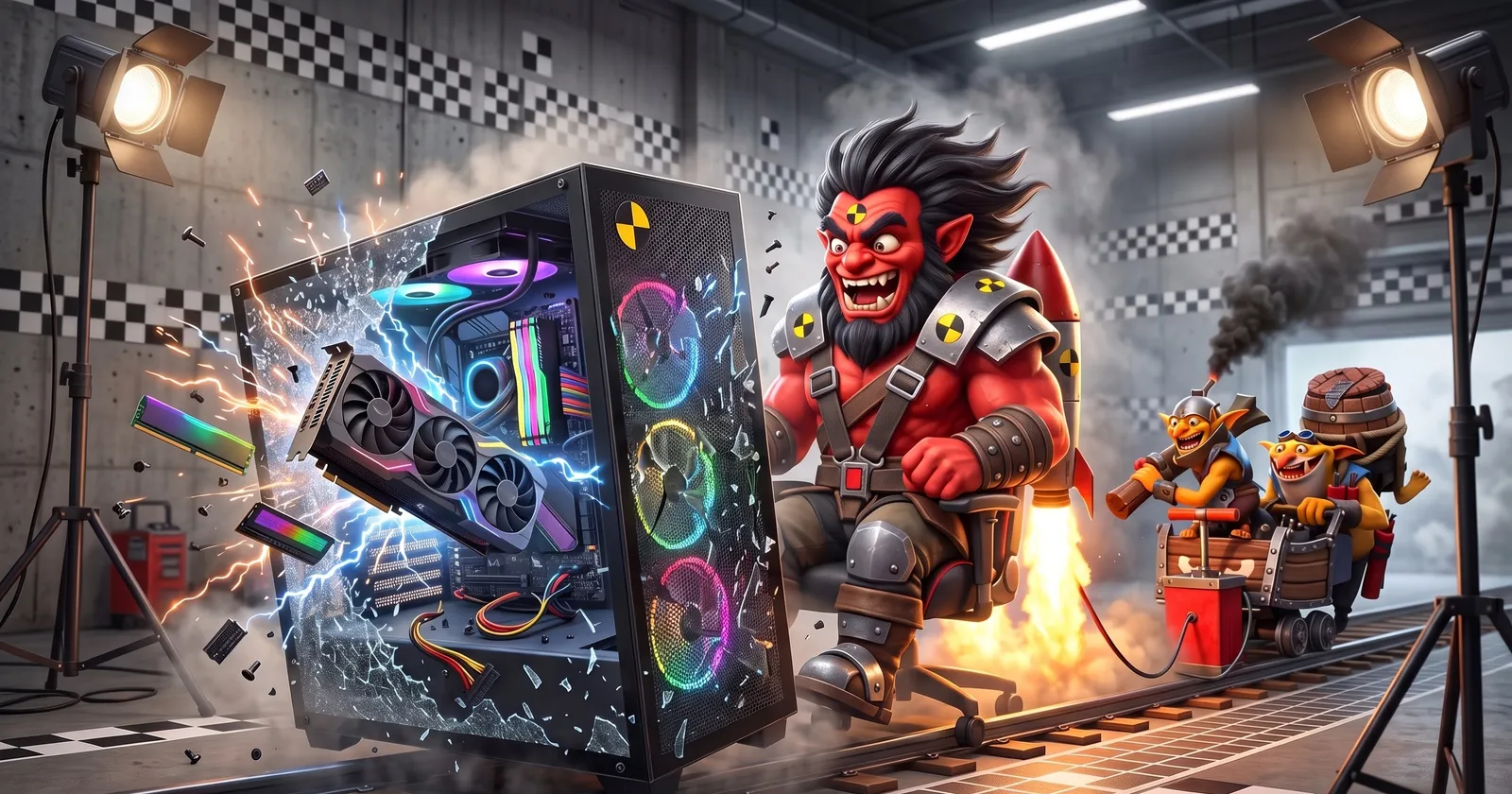
Dota 2 crashes usually have a simple cause: broken game files, an old driver, launch options that no longer exist, a program that hooks into the game or a PC that is not stable. When it crashes tells you where to look first. Axe crashed the game once by pressing every key at the same time. That one is on Axe.
Quick fix: the 60-second checklist
- In Steam, verify the game files of Dota 2.
- Delete old launch options like
-dx9,-glor-prewarm. - Update your graphics driver and Windows.
- Start once with
-safe_mode. Works? Then try-dx11or-vulkan. - Turn off overlays and add an antivirus exception for Steam and its games.
- Overclocked your PC? Set it back to default clocks.
When does Dota 2 crash?
Pick the moment it happens. Every case has its own usual suspects:
- Before or right after the logo
- Broken files, old launch options
- Driver or renderer trouble
- While the map and heroes load
- Files, overlays, antivirus
- Driver or renderer trouble
- In a fight or out of nowhere
- Heat, overclocking, RAM
- Sometimes a game bug
Check the basics: Windows, drivers and requirements
Before you dig deeper, make sure the ground is solid. Dota 2 does not need a strong PC, but it needs a current one:
Valve deprecated graphics cards without DirectX 11 and Shader Model 5 in March 2026 and plans to drop them completely. Valve says that is only a tiny share of players, but if your card is that old, crashes are no surprise.
Dota 2 crashing on startup
The game closes before or right after the logo. Work through this list from top to bottom:
- Verify the game files. Steam compares your files with its servers and downloads what is broken. If Steam says one or more files failed to verify, that is normal: those are local config files.
Steam LibraryRight-click Dota 2PropertiesInstalled FilesVerify integrity of game files
- Clean up the launch options. Old guides still list
-dx9,-gl,-32bitor-prewarm. DirectX 9 and 32-bit were dropped in 2021, OpenGL no longer runs on Windows and preloading is on by default. Delete them. - Start in safe mode.
-safe_moderestores the default renderer and ignores your .cfg settings. If the game starts now, one of your settings or configs was the problem. - Reset the video settings.
-autoconfigrestores the video and performance settings to the defaults for your hardware. - Switch the renderer. Try
-dx11, then-vulkan. One of them may run more stably with your graphics card and driver.
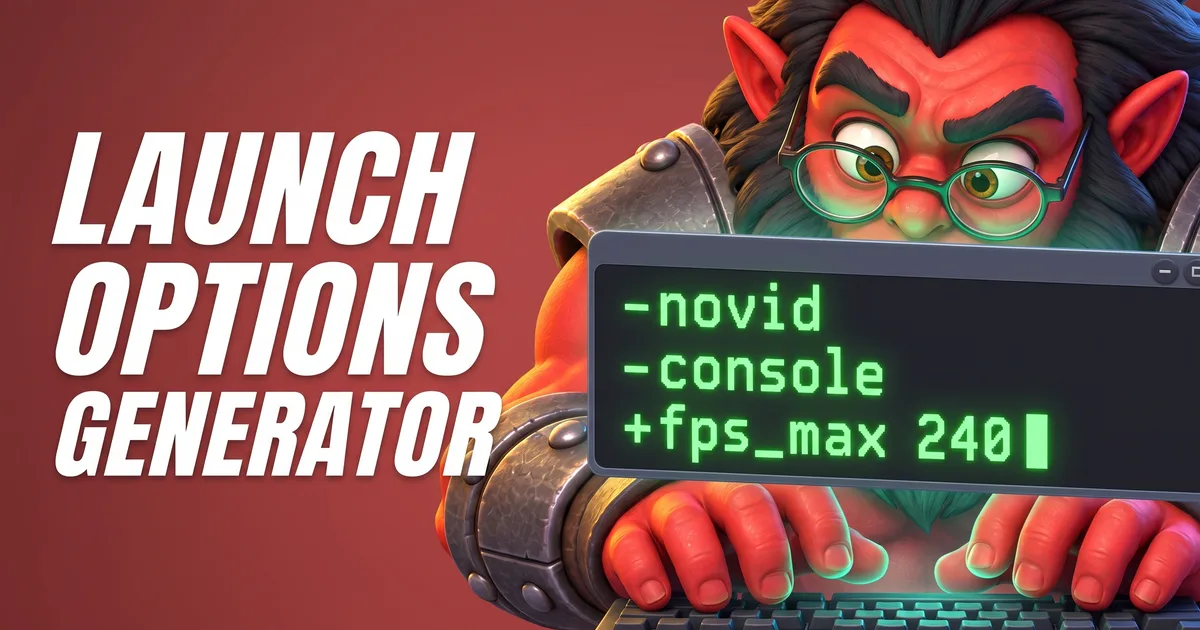
The Launch Options Generator Tool builds a clean launch options line and shows which old options do nothing anymore.
Dota 2 crashing after accepting a match or while loading
You accept the match, the loading screen comes, and the game is gone. This is the moment Dota 2 loads the map, the heroes and their effects, so problems with files, drivers and other programs show up here. Verify the files and update the driver first, then check what hooks into the game:
- Antivirus: Steam Support says some programs can lead to “connectivity losses and application crashes” and recommends adding exceptions for Steam and its games in your antivirus.
- Overlays: FPS counters, recording tools, chat overlays and the Steam Overlay all draw on top of the game. Turn them off one by one to find the one that crashes it. The Steam Overlay can be switched off for Dota 2 only:
Steam LibraryRight-click Dota 2PropertiesGeneralEnable the Steam Overlay while in-game: off
- Stats apps: apps that read live game data (Game State Integration) put small config files into
dota 2 beta\game\dota\cfg\gamestate_integration. Some players fixed crashes after a game update by removing those files. Your apps can put them back later. - Renderer: if it crashes on every load, try the other one,
-dx11or-vulkan.

Axe had four overlays at once: FPS, chat, music, and one he did not remember installing. The game had no room left for Axe.
Dota 2 crashing mid-game
The game runs fine and then dies in the middle of a fight or out of nowhere. Now the PC itself is the main suspect:
- Overclocking: Steam Support recommends turning it off, because it can cause memory and file corruption. Set CPU, graphics card and RAM (XMP/EXPO profiles count too if they are unstable) back to default and test again.
- Heat: a graphics card or processor that gets too hot slows down and can crash. If the crashes come after ten or twenty minutes, clean the dust out of the fans.
- RAM: faulty memory causes random crashes in every game. Windows can test it:
Windows keyType mdschedWindows Memory DiagnosticRestart now and check for problems
Still crashing? Report it to Valve
Steam collects crash reports automatically, but a short message helps when nothing works. Say when it crashes (startup, loading, mid-game), what you already tried and your graphics card and driver version.
- Windows: contact Steam Support (help.steampowered.com).
- Mac and Linux: Valve also reads reports on its Dota 2 issue tracker on GitHub, ValveSoftware/Dota-2.
The Console Commands Lookup Tool has sys_info, which prints your CPU and graphics card into the console. Handy when support asks what you have.
Tools for this
FAQ
Why does Dota 2 keep crashing?
The usual suspects are broken game files, an old graphics driver, settings or launch options that no longer work, programs that hook into the game (overlays, antivirus) and an unstable PC (overclocking, heat, faulty RAM). Sometimes it is a game bug that Valve fixes in a patch.
How do I fix Dota 2 crashing on startup?
Verify the game files in Steam, remove old launch options like -dx9 or -gl, and start once with -safe_mode. If that works, switch between -dx11 and -vulkan and update your graphics driver.
Why does Dota 2 crash when I accept a match?
At that moment the game loads the map and the heroes, so problems with files, drivers, overlays or antivirus show up there. Verify the files, add an antivirus exception for Steam and its games, and turn off overlays one by one.
Does Dota 2 still run on Windows 7?
Steam stopped supporting Windows 7, 8 and 8.1 on January 1, 2024. Steam says old systems without updates can make the PC, Steam and games run poorly or crash. Use Windows 10 or newer.
Where do I report a Dota 2 crash?
On Windows, contact Steam Support. On Mac and Linux, Valve also reads bug reports on its Dota 2 issue tracker on GitHub (ValveSoftware/Dota-2).