Axe's Workshop · Fix it
Dota 2 Custom Games Not Working or Stuck on "Finding Server"

By Kevin “Kevin10k”·Dota 2 Expert · Mid & Offlane PlayerArticle updated
When a Dota 2 custom game hangs on “Finding Server”, it is usually one of three things: no free server, an outdated game mode, or a launch option that blocks matchmaking. Most of it you fix in a minute. Some of it only Valve can fix. Axe waited 40 minutes for a server once. He played the custom game “Waiting” instead. He lost.
Dota 2 custom games: myths and facts
MythCustom games run on some random player’s PC.
FactSince 2018 Valve hosts custom games on dedicated servers by default. Only when they are full, the game shows “Player-Hosted” and one of the players hosts.
Valve, Spring Cleaning 2018, and the game’s own textsMyth“Offline for Maintenance” means the custom game is broken.
FactIt is the status of a matchmaking region. Your lobby landed on a region that is offline. Pick another server location.
The game’s own textsMythSteam updates custom games in the background while you play.
FactSteam does not download updates for Dota 2 or installed custom games while Dota is running. Restart Dota to get them.
Valve patch notes, 2015MythLaunch options like -dev or -insecure unlock more.
FactThe game refuses to queue with -insecure, -dev or -tools enabled. Remove them.
MythOld custom games still work fine.
FactThe game itself warns: “Custom games uploaded prior to 7.00 may not work correctly.” If the author stopped updating it, Dota updates can break it.
The game’s own textsWhat the custom game messages mean
| The game says | What it means |
|---|---|
| Finding Server | Your lobby is waiting for a free server. Takes long or never ends? Change the Server Location. |
| Needs Update / RESTART REQUIRED | The game mode got an update. Restart Dota. |
| Custom Game Data Mismatch | Your version of the game mode is not the same as the server’s or the lobby leader’s. Update and restart. |
| CUSTOM GAME REQUIRED | You joined a lobby for a mode you do not have yet. Accept the download. |
| Player-Hosted | Valve’s dedicated servers are full, so one of the players hosts the game. |
| You are currently prevented from joining custom games… | A penalty for leaving games or failing to ready up. Wait it out. |
Fix Dota 2 custom games in 5 steps
- Restart Dota 2 (or Steam), so updates for the game and the mode get installed.
- Remove
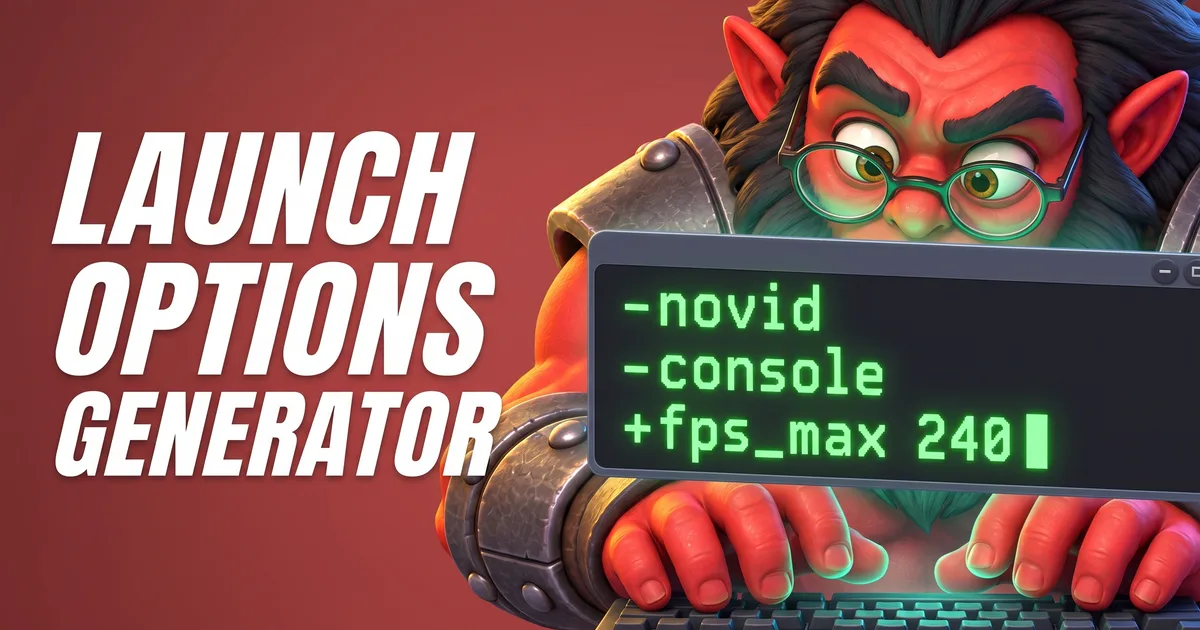
-dev,-insecureand-toolsfrom the launch options. The Launch Options Generator Tool builds a clean line. - Change the server location when you create the lobby, instead of “Best Available”.
- Reinstall the mode: Uninstall it in the Arcade and install it again. Players also report that unsubscribing and resubscribing on the Workshop page helps.
- Verify the game files in Steam if Dota itself acts up.
ArcadeLibraryYour game modeUninstallInstall

Clockwerk offered to fix the custom game server with a wrench. Valve said no. Axe said yes. Nobody asked Axe.
Tools for this
FAQ
Why are Dota 2 custom games stuck on "Finding Server"?
The game is looking for a free server for your lobby. Custom games run on Valve’s dedicated servers; when those are full, a player hosts the game instead. If it never finds one, try another Server Location in the lobby, and check Valve’s Dota 2 issue tracker on GitHub, where players report custom game server problems.
What does "Offline for Maintenance" mean for custom games?
It is the status of a matchmaking region, not of a custom game. A lobby that ends up on that region cannot start there. Pick a different server location.
Where are Dota 2 custom games now?
In the Arcade tab of the main menu, with Overview, Library, Lobby List, Workshop and Browse. Custom games moved there in December 2015.
Why does a custom game say "Needs Update" or "RESTART REQUIRED"?
The game mode was updated. Steam does not update Dota 2 or installed custom games while Dota is running, so restart Dota (or Steam) to get the new version.