Axe's Workshop · Setup
How to Create a Private Lobby in Dota 2 (Plus Lobby Cheat Commands)

By Kevin “Kevin10k”·Dota 2 Expert · Mid & Offlane PlayerArticle updated
A private lobby is your own Dota 2 match: your rules, your friends, bots if you want, and cheats if you ask nicely. Perfect for trying a combo, practising last hits or settling who really is the better mid. Here is how to create one, every setting that matters and all chat cheat commands to copy. Axe made a lobby once. He invited nobody. He still lost a 1v1 against a bot.
How to create a private lobby in Dota 2
Play DotaCustom LobbiesCreate
- Set it up: pick the game mode, the server location and a lobby password if you want.
- Invite: right-click friends in your friends list → Invite to Lobby. They show up under “Unassigned Players”.
- Sort the teams: drag players to Radiant or Dire, use Balanced Shuffle or Swap Teams. Each team can also get a coach.
- Go: press Start Game. At least one player must be on Radiant or Dire.
Somebody else’s lobby? Browse next to Create opens the lobby browser.
Dota 2 lobby settings explained
| Setting | What it does |
|---|---|
| Lobby Visibility | Public: in the lobby browser and friends list. Friends: only friends see it, others can be invited. Unlisted: invisible, invite only. |
| Server Location | Where the game runs. Local Host runs it on your PC: the game warns that this needs a stronger system, and if you leave, the game ends for everybody. |
| Enable Cheats | Turns on the chat cheat commands below. Must be set before the game starts. |
| Fill Empty Slots with Bots | Bots for free slots. Difficulty per team: Passive, Easy, Medium, Hard or Unfair. |
| All Chat | Chat between both teams. |
| Spectators, Dota TV Delay | Who may watch and with how much delay (10 seconds up to 15 minutes). |
| Pausing | Unlimited, Limited or Disabled. |
All Dota 2 lobby cheat commands
With cheats enabled, type these into the chat (Enter, type, Enter). Copy them here:
-lvlup 10-lvlmax-gold 5000-item item_blink-refresh-respawn-wtf-unwtf turns it off.-hurtmebad-createhero kunkka enemyneutral instead of enemy works too.-levelbots 10-givebots item_blink-startgame-spawncreeps-spawnneutrals-spawnrune-disablecreepspawn-enablecreepspawn turns them back on.-killcreeps all-allvision-normalvision brings it back.-killwards-clearwards only observers.-trees
Axe typed -lvlmax, -wtf and -gold 99999. Then he walked into the enemy fountain. It still hurt.
Console cheats for lobbies
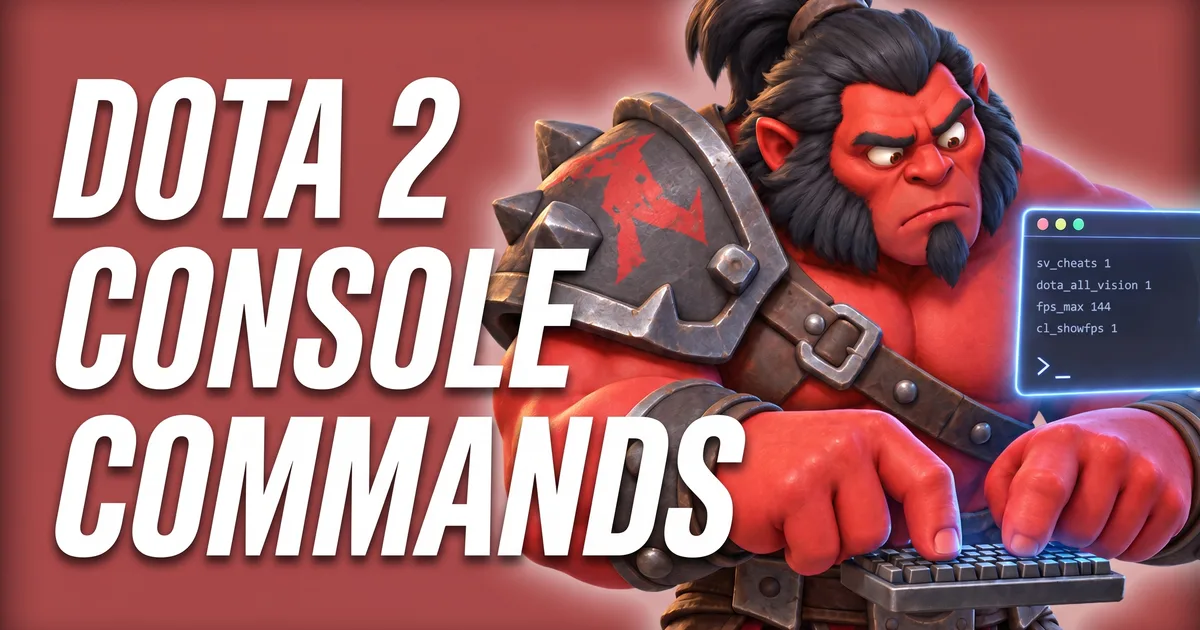
The console has more, with sv_cheats 1 active in a cheat lobby. A few useful ones from the game’s current command list:
dota_dev hero_refreshanddota_dev hero_level 1: what Valve’s own hero demo uses to refresh and level heroes.dota_create_itemgives an item to the selected unit,dota_bot_give_levelanddota_bot_give_goldboost all bots.dota_spawn_creeps,dota_spawn_neutrals,dota_respawn_roshananddota_tormentor_spawnfor the map.host_timescalespeeds the game up or slows it down.
Faster than a lobby: Demo Hero
Just want to try a hero? Every hero page has a Demo Hero button. The demo has buttons for most cheats: Refresh, Level Up, Level to Max, Free Spells, Invulnerability, All Vision, +Enemy, +Dummy, Creeps, Night Time, Time Scale and more. You can even demo with friends.
Other practice options under Play vs Bots: Solo (“you can leave any time”) or Co-Op with other players, and Practice 1v1, which ends “when one player dies twice or loses a tower.” Trying a new hero in the lobby? The Hotkeys Tool shows its keys first.
Tools for this
FAQ
How do I create a private lobby in Dota 2?
Click Play Dota, open Custom Lobbies and press Create. In the lobby settings set a password or Lobby Visibility to Unlisted, then invite friends from your friends list with “Invite to Lobby”.
How do I enable cheats in a Dota 2 lobby?
Tick ENABLE CHEATS in the lobby settings before you start the game. Liquipedia recommends the server location Local Host for cheats to work. Then type commands like -lvlup 10 or -gold 5000 in the chat.
What are the best Dota 2 lobby cheat commands?
The most used are -lvlmax (max level and all abilities), -gold <amount>, -item <name>, -refresh (full HP, mana and cooldowns), -wtf (no mana costs and cooldowns), -createhero <name> enemy and -spawncreeps.
Do lobby games count for MMR or stats?
According to Liquipedia, lobby matches do not count towards your stats and give no trophy points or item drops. The game also says no Experience Trophy progress is awarded in practice lobbies.