Axe's Workshop · Fix it
Dota 2 Not Launching: What to Do When the Game Won't Start

By Kevin “Kevin10k”·Dota 2 Expert · Mid & Offlane PlayerArticle updated
When Dota 2 does not start, it usually did start — and crashed right away. That is Steam Support’s own explanation, and it is good news: the cause is almost always on your PC and fixable in minutes. Answer six questions, fix the first “no”, done. Axe tried to start Dota by shouting at the PC. The PC did not hear him over its own fans.
Dota 2 not launching? Find the problem in 6 questions
- 1Does Steam itself open normally?
NoLook in Task Manager: if Steam runs without a window, untick every box on the Compatibility tab of
Steam.exeandbin\steamwebhelper.exe. Steam calls compatibility mode “not recommended”.YesNext question ↓
- 2Does Steam get past “Preparing to launch…”?
NoLet “Downloading content” and “Processing Vulkan shaders” finish (the shader step has a Skip button). Stuck? Steam → Settings → Downloads → Clear Download Cache. Steam restarts and you log in again.
YesNext question ↓
- 3Have you verified the game files since it broke?
NoSteam Library → right-click Dota 2 → Properties → Installed Files → Verify integrity of game files. “One or more files failed to verify” is normal.
YesNext question ↓
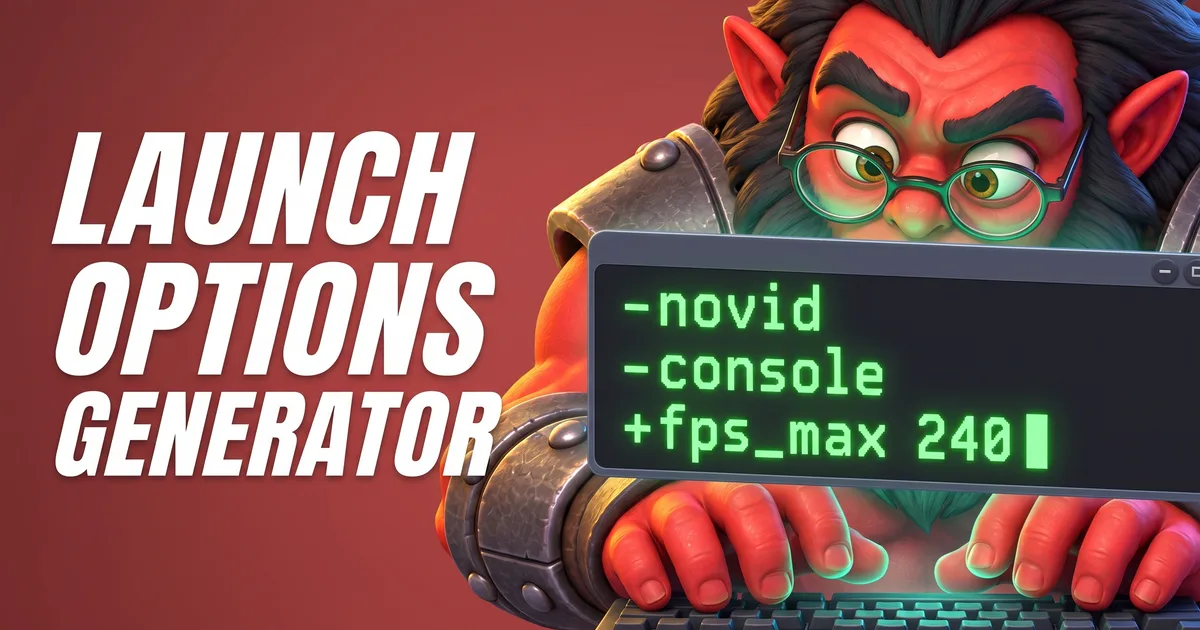
- 4Are your launch options free of old flags?
NoDelete
-dx9,-gl,-32bitand-prewarm: they stopped working years ago. Then start once with-safe_mode.YesNext question ↓
- 5Do you run 64-bit Windows 10 or 11 with current updates and graphics driver?
NoDota 2 needs a 64-bit machine and OS, and Steam only supports Windows 10 and newer since January 2024. Update Windows and your graphics driver.
YesNext question ↓
- 6Is your antivirus leaving Steam and Dota 2 alone?
NoSteam Support recommends adding exceptions for Steam and its games, and turning off non-essential software like recording tools or “performance boosters” while you test.
YesLast step ↓
What the Steam messages mean
Between your click and the game window, Steam runs a few steps. Where it stops tells you where to look:
- Step 1Preparing to launch…Steam checks the game. Hangs here? Restart Steam, then verify the files.
- Step 2Downloading contentSteam fetches missing parts before the start. Let it finish.
- Step 3Running install scriptFirst start on this PC: Steam installs what the game needs once.
- Step 4Processing Vulkan shadersPrepares shaders for Vulkan. There is a Skip button if it takes too long.
- Step 5Launching executable → RunningThe game starts. “Running” and then nothing means it crashed right away: work through the questions above.
Crashes later on, in the loading screen or mid-game, have their own causes. Those are in our post on Dota 2 crashing.
Tools for this
FAQ
Why does Dota 2 not launch when I click Play?
According to Steam Support, a game that seems not to launch is usually crashing right after it starts. Verify the game files, remove old launch options, update Windows and your graphics driver, and turn off software that hooks into games.
Dota 2 is stuck on "Downloading content" or "Processing Vulkan shaders". What now?
Both are steps Steam runs before the game starts. Let them finish; the shader step has a Skip button. If Steam hangs there, clear the download cache in Steam → Settings → Downloads and try again.
Should I run Steam or Dota 2 as administrator?
Steam Support does not recommend compatibility mode for Steam and asks you to untick every box on the Compatibility tab of Steam.exe and steamwebhelper.exe — that tab is also where “Run as administrator” sits.