Axe's Workshop · Setup
Dota 2 Replays: Where They Are Saved, How to Watch Them and Why They Stay Pending

By Kevin “Kevin10k”·Dota 2 Expert · Mid & Offlane PlayerArticle updated
Dota 2 replays are .dem files that Valve keeps on its servers for a while after every match. You download them from the match details or the Watch tab, the game saves them in its replays folder, and from there you can rewind every mistake in slow motion. Below: where they live, why they are “pending”, how long they last and how big they get. Axe watches his own replays at 0.25x speed. To enjoy every swing.
Where are Dota 2 replays saved?
Every replay you download lands in the replays folder of the game, named after the match ID:
C:Program Files (x86)Steamsteamappscommondota 2 betagamedotareplays<match ID>.dem
C:\Program Files (x86)\Steam\steamapps\common\dota 2 beta\game\dota\replays\<match ID>.demInstalled Dota 2 on another drive? Then it sits in that Steam library folder instead.
- Linux:
~/.local/share/Steam/steamapps/common/dota 2 beta/game/dota/replays - macOS:
~/Library/Application Support/Steam/steamapps/common/dota 2 beta/game/dota/replays
How to download and watch a Dota 2 replay
From your match history: open a match. The button changes while you wait: “Looking for Replay…” → Download Replay → “Downloading…” → “Decompressing…” → Watch Replay (or Watch Highlights).
Any match by its ID:
WatchReplaysSearch for MatchIDsDownload and Watch Now
Not right now? “Download and Watch Later” saves it for later. The Downloads tab shows how many replays are on your disk, and deleting one comes with a fair warning: “You may not be able to re-download it.”
Need a match ID? The Match ID Lookup Tool finds it and shows the match at a glance.
Why does a Dota 2 replay say “Replay Pending”?
Right after a match the replay is not on Valve’s servers yet. Valve has made them available “quickly after a match completes” since 2014, but quickly is not instant. Here is what happens to a replay, from the last hit on the Ancient to the day it is gone:
- Match endsReplay PendingThe replay is not on Valve’s servers yet. You can ask to be notified when the replay for this game becomes available.
- ~5–13 minutes laterDownload ReplayThe file is on Valve’s servers (median 7 minutes in our check). Download it, the game unpacks it, then Watch Replay.
- Weeks laterStill downloadableEvery match up to 92 days old still had its file on Valve’s servers in our check.
- ~3–4 months laterReplay ExpiredHalf of the matches 103–109 days old were gone, none older than 115 days was left. Then only basic match data remains.
Some matches never get one: the game then shows “Replay Not Recorded” or “Replay will not be available for this match.” Players also report that replays of bot games do not download.
How long are Dota 2 replays available?
Valve does not say. Guides and stats sites name anything from a few days to about two weeks. Our own spot check in October 2026 said something else: Valve’s replay servers still had the files of every match up to 92 days old, half of the matches 103 to 109 days old, and none of the matches older than 115 days.
One catch even for saved files: after big game updates, old replays can stop working. The game then says “This Replay is not compatible with this version of Dota.”
How big is a Dota 2 replay?
The download grows with the length of the game. In our spot check of 42 public matches it was 1.07 to 1.37 MB per game minute, 1.24 MB in the middle. That makes these rough sizes:
- 20-min game2525 MB
- 30-min game3737 MB
- 40-min game5050 MB
- 50-min game6262 MB
- 60-min game7474 MB
On your disk the file is bigger, because the game unpacks it after the download. One 32-minute ranked game in our check went from 41.7 MB download to a 69.6 MB .dem file. A hundred saved replays easily fill several gigabytes.
Dota 2 replay not downloading? The error messages explained
| The game says | What to do |
|---|---|
| Couldn't find replay on CDN. | Not uploaded yet or already expired. Wait a few minutes, or the replay is gone. |
| Couldn't allocate space for replay file. Is your disk full? | Free up space on the drive with Dota 2, or delete old replays in the Downloads tab. |
| Please ensure no other processes have this file open. | Close programs that use the replay (replay parsers, video tools) and try again. |
| Failed to decompress replay file. | The download broke. Download the replay again. |
| Timed out trying to download replay file. | Try again later. Check your connection if it keeps happening. |
Dota 2 replay viewer tricks
The replay viewer can do more than play and pause:
- 0.25x
- 0.5x
- 1x
- 1.5x
- 2x
- 4x
- 8x
- 16x
- Back 60 s
- Back 30 s
- Ahead 30 s
- Ahead 60 s
- Directed Camera
- Free Camera
- Player View
- Hero Chase
- Both Teams
- Radiant
- Dire
- Player View follows the camera of the player you pick, so you see the game the way they saw it. Best way to learn from a better player or to see what you missed.
- Clip Builder exports gameplay footage as a video, with your choice of frame rate and bitrate.
- The console has
demo_timescale(replay speed),demo_gototickanddemo_togglepausefor exact control.

Axe watched the enemy Pudge in Player View. Pudge was looking at Axe the whole game. Axe was flattered.
Replays and stats sites
Detailed stats like item timings, wards and lane graphs come from parsing the replay. OpenDota lets you request a parse for a match, but only as long as the replay has not expired from Valve’s servers. After that, only the basic match data is left.
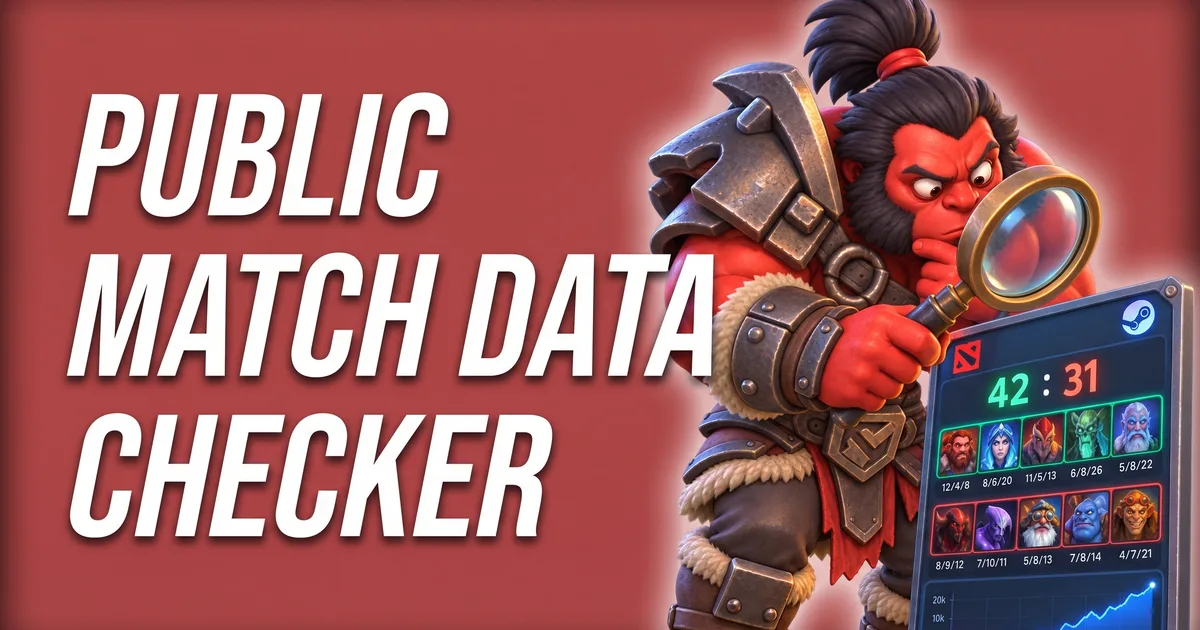
Stats sites can only read your matches if your match data is public. The Public Match Data Checker Tool checks that for you, and the Match ID Lookup Tool opens any match by its ID with result, links and replay.
Tools for this
FAQ
Where are Dota 2 replays saved?
On Windows in Steam\steamapps\common\dota 2 beta\game\dota\replays, as .dem files named after the match ID. Old guides that point to dota 2 beta\dota\replays describe the Source 1 folder, which is no longer used.
Why does my Dota 2 replay say "Replay Pending"?
The replay is not on Valve’s servers yet. In our spot check it took 5 to 13 minutes after the end of a match until the file was there. You can let the game notify you when it becomes available.
How long are Dota 2 replays available?
Valve does not publish a number. In our spot check in October 2026, Valve’s replay servers still had the files of all matches up to about three months old, and none older than about four months. Download the replays you want to keep.
How do I watch a Dota 2 replay by match ID?
Open the Watch tab, go to Replays and type the match ID into “Search for MatchIDs”. Then download and watch it.
How big is a Dota 2 replay?
In our spot check the download was about 1.1 to 1.4 MB per game minute, so roughly 50 MB for a 40-minute game. The unpacked .dem file on your disk is bigger.